
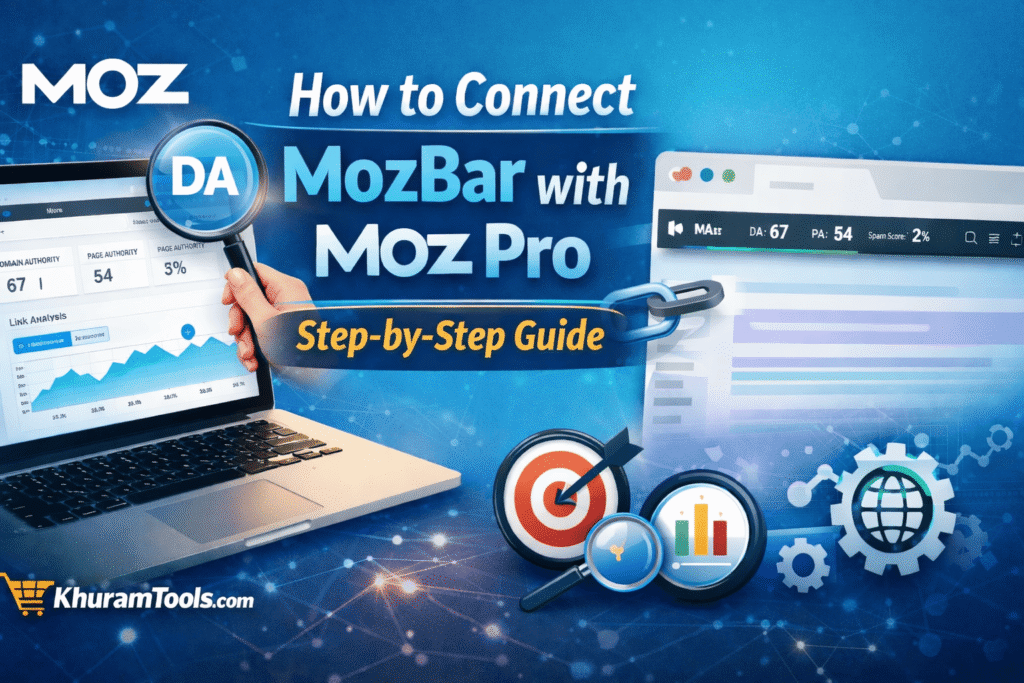
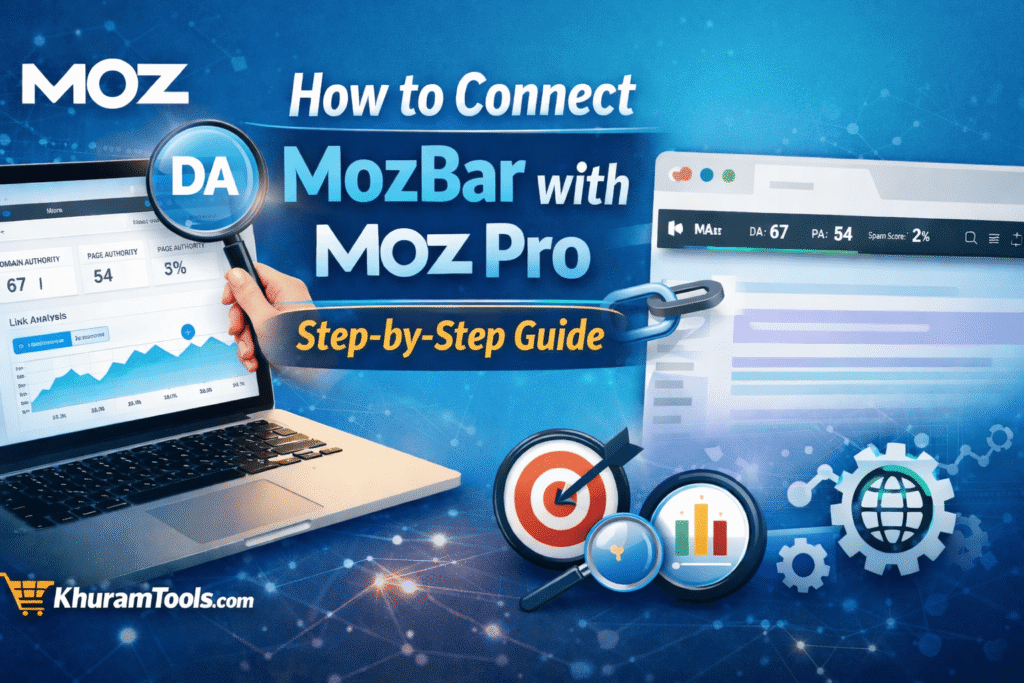
How to Connect MozBar With Moz Pro: Step-by-Step Guide
If you are learning SEO or working on websites in Pakistan, MozBar and Moz Pro are two tools that can make your work much easier. When both are connected properly, you can see powerful SEO data directly inside your browser with just one click.
In this complete guide, I will explain how to connect MozBar with Moz Pro step by step, using very simple language. Even if you are a beginner or non-technical user, you will understand everything clearly.
This guide is written especially for Pakistani SEO learners, bloggers, freelancers, and digital marketers who want professional tools at an affordable cost.
What Is MozBar and Why Does It Matter
Moz created MozBar as a free browser extension that shows SEO data while you browse websites.
With MozBar, you can quickly see:
- Domain Authority (DA)
- Page Authority (PA)
- Spam Score
- Backlinks overview
- On-page SEO elements
However, MozBar alone is limited. To unlock its full power, you must connect it with Moz Pro.
Why You Should Connect MozBar With Moz Pro
When MozBar is connected to Moz Pro:
- You see accurate DA and PA
- You unlock advanced link data
- You access SERP analysis
- You remove most data restrictions
- You get professional-level SEO insights
In short, MozBar becomes a real SEO weapon, not just a basic tool.
Requirements Before Connecting MozBar With Moz Pro
Before starting, make sure you have:
- A working internet connection
- A browser like Google Chrome or Mozilla Firefox
- A Moz account (free or paid)
If you don’t have Moz Pro yet, many Pakistani users prefer group buying options to reduce costs.
Step 1: Create or Access Your Moz Pro Account
First, go to the official Moz website and log in.
You can use:
- A free Moz account (limited features)
- A Moz Pro subscription (full access)
👉 Pro Tip for Pakistan:
Instead of paying full international prices, you can access Moz Pro affordably through trusted group buying platforms like khuramtools.com, which are designed for Pakistani users.
Step 2: Install MozBar Extension in Your Browser
For Google Chrome:
- Open Chrome
- Visit Chrome Web Store
- Search for MozBar
- Click Add to Chrome
- Confirm installation
For Firefox:
- Open Firefox Add-ons
- Search MozBar
- Click Add to Firefox
Once installed, you will see the Moz icon in your browser toolbar.
Step 3: Log In to MozBar Using Your Moz Account
This step is very important.
- Click the MozBar icon in your browser
- Click Log In
- Enter your Moz Pro email and password
- Click Sign In
If your MozBar is not logged in, it will not connect with Moz Pro.
Step 4: Verify Moz Pro Connection Inside MozBar
After logging in:
- Open any website (for example, Google.com)
- Click the MozBar icon
- Turn MozBar ON
- Check if DA and PA are visible
If you see:
- DA / PA numbers
- Link data
- SERP metrics
✅ Your MozBar is successfully connected with Moz Pro.
Step 5: Enable Advanced MozBar Settings (Recommended)
To get maximum benefit:
- Click MozBar icon
- Open Settings
- Enable:
- Page Authority
- Domain Authority
- Spam Score
- Link Metrics
- SERP Overlay
These settings help you analyze competitors, backlinks, and keywords faster.
Step 6: Test MozBar on Google Search Results
Now test MozBar properly.
- Go to Google
- Search any keyword (example: “best SEO tools”)
- Enable MozBar
- You will see:
- DA of ranking websites
- PA of individual pages
- SEO competition strength
This feature is extremely useful for keyword research and niche selection.
Common Problems and Easy Fixes
MozBar Not Showing DA/PA
- Make sure you are logged in
- Refresh the page
- Turn MozBar OFF and ON
MozBar Shows Limited Data
- Your Moz Pro session may be expired
- Check Moz Pro login status
- Verify your account access
MozBar Not Working in Chrome
- Update Chrome browser
- Disable conflicting extensions
- Reinstall MozBar
MozBar + Moz Pro Use Cases for Pakistani Users
When properly connected, you can:
- Analyze competitors for freelancing projects
- Check backlinks before guest posting
- Find low-competition keywords
- Audit client websites
- Learn SEO practically
This setup is perfect for students, agencies, bloggers, and Fiverr freelancers in Pakistan.
Affordable Moz Pro Access for Pakistan
Moz Pro pricing is expensive in USD, which is why many Pakistani SEO professionals use group buying tools.
If you want:
- Low monthly cost
- Stable access
- Local support
- Multiple premium tools in one place
Then, khuramtools.com is a smart option for beginners and professionals alike.
Final Thoughts
Connecting MozBar with Moz Pro is simple, but the benefits are powerful. Once connected, you can analyze websites like a professional SEO expert without complex software.
For Pakistani users, combining:
- MozBar
- Moz Pro
- Affordable access via khuramtools.com
creates a complete SEO solution that saves money and boosts results.
If you are serious about SEO growth, this setup is a must-have.